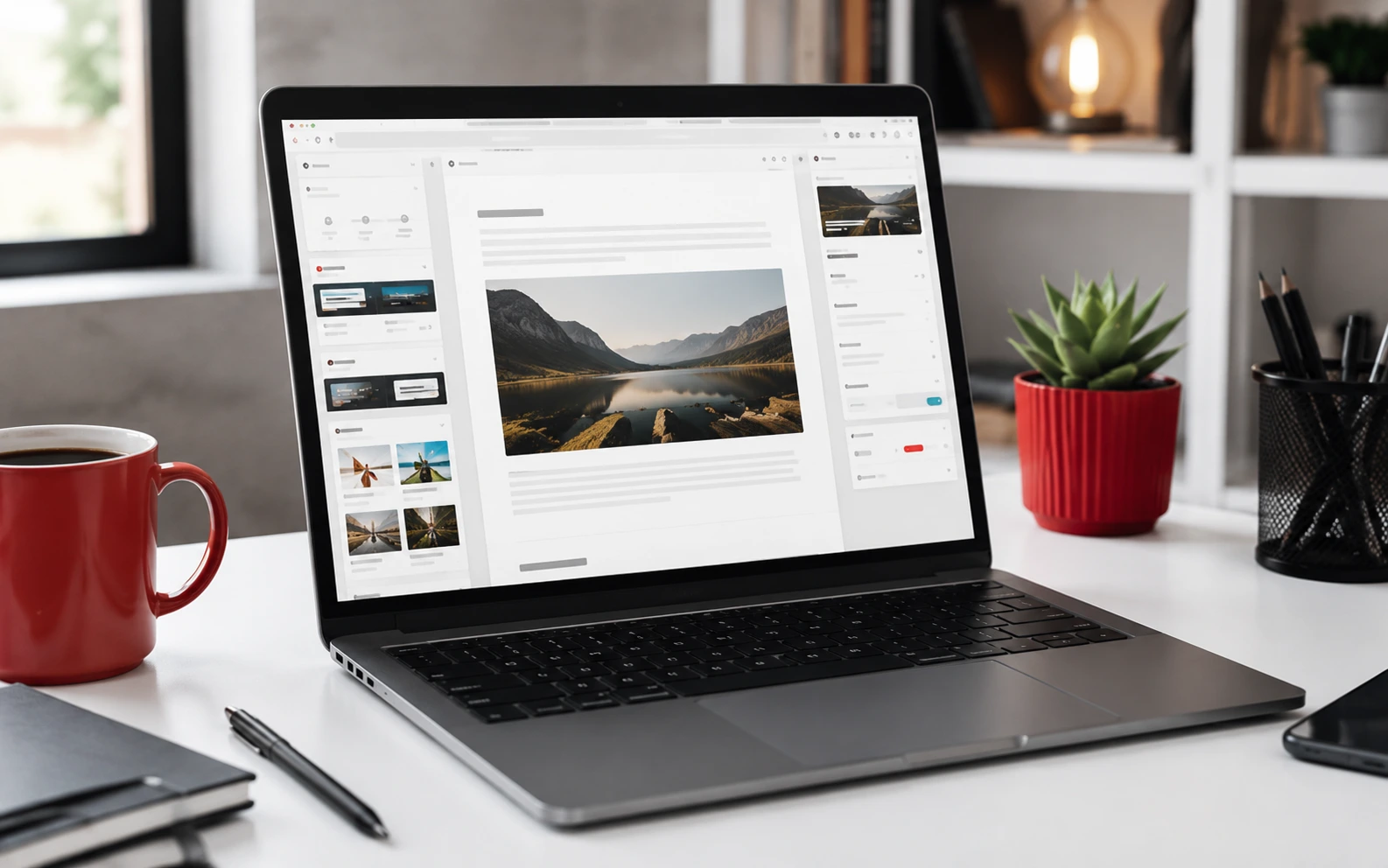
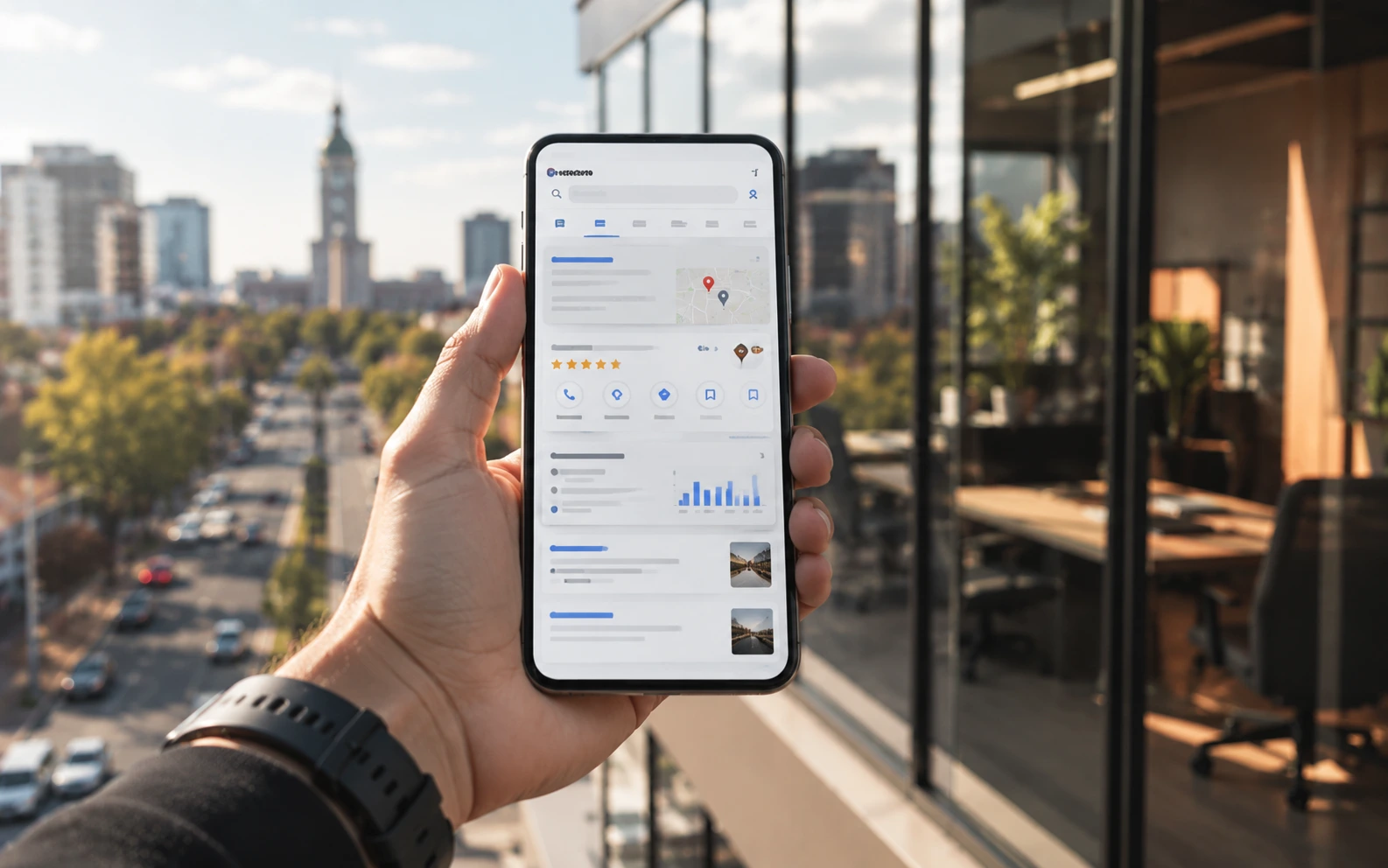
WordPress can be excellent for SEO, but only when the basics are handled properly. A website does not rank because it uses WordPress. It ranks when Google can crawl it, understand it and see that the content is useful for real searchers.
For South African businesses, WordPress SEO should focus on clear services, useful local information, fast mobile pages and trustworthy content.
1. Use Clean, Descriptive URLs
URLs should be short and understandable. A page like /web-design-pretoria/ is clearer than a URL with random numbers or vague words. Clean URLs help users and search engines understand the page topic quickly.
2. Write Unique Page Titles
Every important page needs a unique title tag. The title should describe the page and include the main topic naturally. Avoid stuffing keywords. A strong title is specific, useful and readable.
3. Add Helpful Meta Descriptions
Meta descriptions do not directly guarantee rankings, but they can improve clicks from search results. Explain what the page offers and why the reader should visit. Keep the copy clear and human.
4. Structure Content with Headings
Use one H1 per page, then use H2 and H3 headings to organize the content. Good headings make pages easier to scan and help Google understand the structure of the article or service page.
5. Link Related Pages Together
Internal links help visitors move deeper into the site. They also help search engines understand which pages are related. Link from blog posts to service pages, from service pages to supporting guides and from category pages to important articles.
6. Optimize Images
Large images slow down WordPress websites. Use compressed images, preferably WebP where possible, and add useful alt text when the image supports the content. Decorative images can use empty alt text.
7. Improve Mobile Speed
Most users will experience the site on a phone. Use lightweight themes, reduce plugin bloat, enable caching and test key pages on mobile. A fast mobile website improves both UX and SEO potential.
8. Publish Content That Matches Search Intent
Do not publish random articles just to fill the blog. Focus on questions your customers actually search for. Strong WordPress SEO comes from useful, focused content that supports the business niche.
When the basics are done consistently, WordPress becomes a strong foundation for organic growth. The goal is not tricks. The goal is a website that is easy to use, easy to crawl and genuinely helpful.
WordPress SEO checks before publishing
WordPress SEO starts with clear structure. Every important business article should have one focused title, a readable slug, a helpful meta description, descriptive H2 sections and internal links to related pages. This helps South African business owners understand the topic quickly and helps Google connect the article to the wider website.
Before publishing, check that the article answers a specific search intent. A useful WordPress SEO page should explain the problem, show practical steps, include local business examples and guide readers toward the next helpful resource. Related articles in the WordPress hub, SEO hub and main Red Apple Connect blog support stronger topical authority.
Technical details also matter. Compress images, use meaningful alt text, avoid heavy scripts, keep the page mobile friendly and make sure the content is easy to scan. Good SEO is not only about keywords; it is about helping real visitors find clear answers and take the next useful step.
Internal linking for stronger search visibility
Internal links should connect related ideas naturally. A WordPress maintenance article can link to security, hosting and speed guides. A WordPress SEO article can link to content structure, technical SEO, web design and business growth guides. These links help readers continue browsing and help search engines understand the relationship between topics.
For Red Apple Connect, the strongest SEO path is a tight cluster of WordPress, SEO, web design, hosting and digital business articles. Each new post should support one of those approved categories and point readers to another relevant guide rather than leaving them at a dead end.
Local SEO details to include
For South African business websites, WordPress SEO should also support local trust signals. Add clear contact details, service area information, fast-loading pages, helpful FAQ sections and links from articles to important service pages. These details make the website easier for customers to use and give search engines stronger context about location, services and expertise.
Keep reviewing older posts as the business grows. Update outdated screenshots, improve weak introductions, add better internal links and refresh examples so the article remains useful long after publication.
For official platform context, compare these recommendations with the WordPress documentation and then adapt the steps to your hosting setup, plugins and business goals.
Practical WordPress implementation checklist
Before treating this guidance as complete, review the site like a business asset. Check plugin updates, remove tools that are no longer needed, confirm backups, test forms, review page speed and make sure important pages link to helpful supporting articles. For South African businesses, reliable WordPress maintenance protects enquiries, rankings and customer trust.
A stronger WordPress article should also include clear next steps. Add screenshots where useful, explain why each task matters and connect technical work to outcomes like faster loading, safer logins, better search visibility and easier content publishing.
Practical WordPress implementation checklist
Before treating this guidance as complete, review the site like a business asset. Check plugin updates, remove tools that are no longer needed, confirm backups, test forms, review page speed and make sure important pages link to helpful supporting articles. For South African businesses, reliable WordPress maintenance protects enquiries, rankings and customer trust.
A stronger WordPress article should also include clear next steps. Add screenshots where useful, explain why each task matters and connect technical work to outcomes like faster loading, safer logins, better search visibility and easier content publishing.