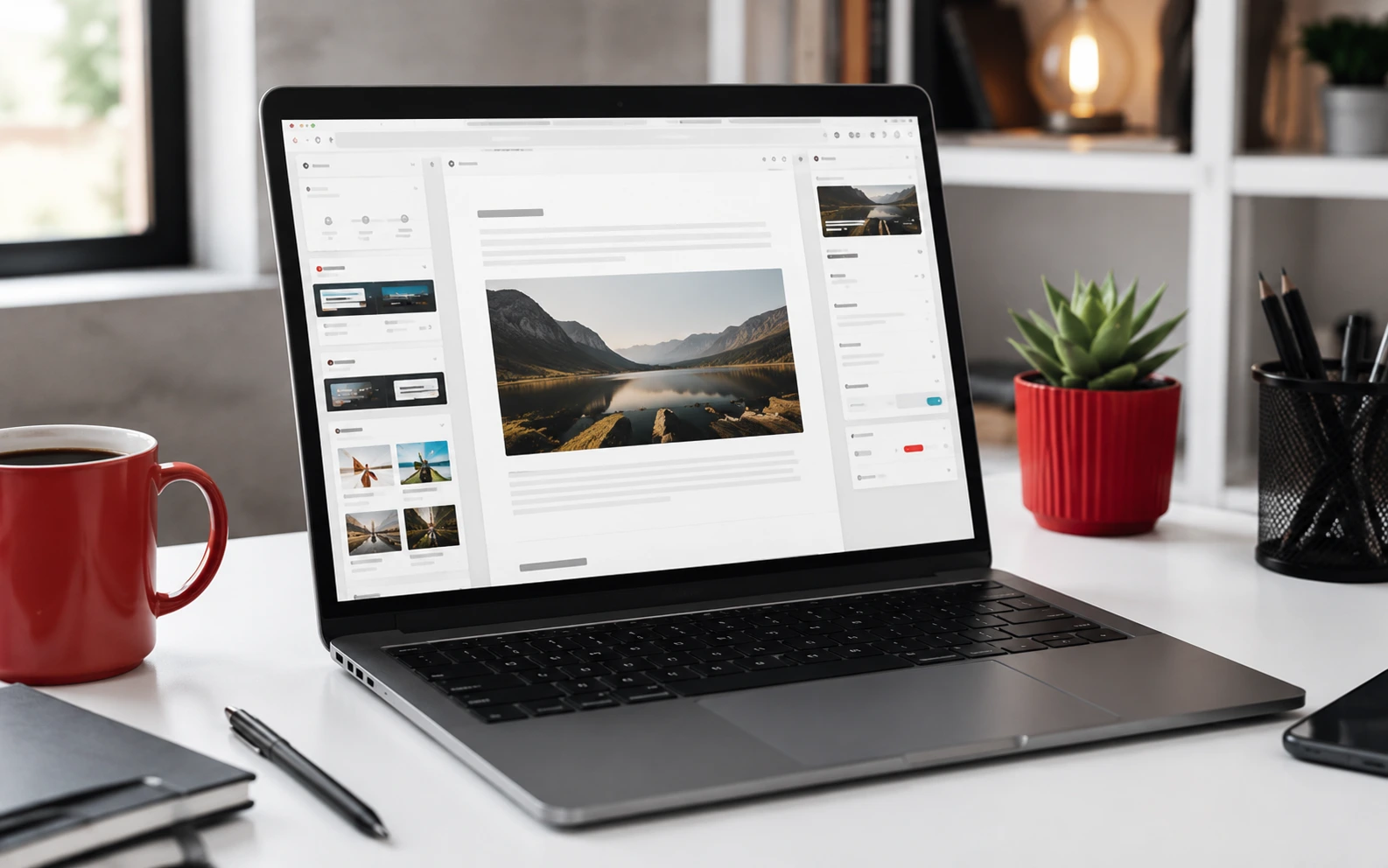
AI tools for WordPress in 2026 are the plugins and connected services that speed up specific site-owner jobs — drafting and tightening content, making images, getting SEO suggestions inside your existing plugin, and scanning the site for security and performance problems — without taking over your judgement or your admin access.
Most South African small-business websites run on WordPress, and the person running the site is usually also the writer, the marketer and the support desk. Used carefully, AI tools help a one-person team keep the site current. Used carelessly, they flood the site with generic copy, bloat it with plugins, and send client data somewhere you cannot account for. This guide sticks to the WordPress workflow specifically, not general marketing tools.
Key Takeaways
- Use AI for first drafts and edits, then rewrite for local accuracy — prices in rand, POPIA wording, real examples.
- AI image tools are useful for featured images and graphics, but check the licence and keep files compressed.
- The AI features in Rank Math, Yoast and SEOPress are starting points for titles and meta descriptions, not a bulk-generate button.
- AI-assisted security and performance scanners help you spot vulnerable plugins and slow pages before they cause an outage.
- Every AI plugin is extra code and extra data flow — keep the count low and check where your content is sent.
- Google does not ban AI content, but it does demote unhelpful content, however it was made.
Content Drafting and Editing Inside the Block Editor
The most useful place for AI in WordPress is the writing itself. Tools that work inside the block editor can produce an outline from a topic, expand bullet points into a rough draft, tighten a wordy paragraph, fix tone, or suggest headings. For a business owner staring at a blank page, that removes the hardest part.
The rule is that AI produces the draft and you produce the article. Before publishing, rewrite anything that makes a claim: check that prices, contact details, service areas, turnaround times and any POPIA or compliance wording are correct for your business and for South Africa. Add a real example or a local detail the model could not know. A page that reads like it could belong to any business anywhere will not rank and will not convince anyone.
Keep drafts as drafts. Do not let a tool auto-publish. Schedule a human read of every post before it goes live.
Image Generation and Editing
AI image tools can generate a featured image, a simple hero graphic, or an illustration for a blog post, and can remove backgrounds or clean up product photos. For a site that would otherwise use the same three stock photos everywhere, this is a genuine improvement.
Watch three things. First, licensing: confirm the tool grants commercial use for the images you generate, and keep a note of it. Second, file size: export to WebP and compress before upload, because a large AI image will undo the speed gains you are trying to make. Third, alt text: write it yourself, describing what the image shows, so it works for screen readers and image search. Avoid AI images of specific real people or recognisable branded products.
SEO Plugin Assistants
Rank Math, Yoast and SEOPress all now include AI features that suggest SEO titles, meta descriptions, FAQ blocks and internal links based on your content. These save time on the fiddly parts of on-page SEO.
Treat the output as a first suggestion. Keep one real focus keyword per page that a person would actually search. Edit the suggested title so it reads naturally and stays under about sixty characters. Rewrite the meta description so it describes that specific page and gives a reason to click. Do not bulk-generate meta descriptions for fifty posts at once and accept them unread — you will end up with near-duplicates that help nobody. Use the internal-link suggestions, but check that each link actually makes sense in context.
Site Maintenance, Security and Performance Scanning
This is where AI quietly earns its place for a busy owner. Modern security plugins use pattern analysis to flag malware, outdated or abandoned plugins, suspicious file changes and login attacks, and to explain the risk in plain language. Performance tools can scan a page and tell you which image, script or plugin is slowing it down, rather than leaving you to guess.
Comment spam filtering has also improved, which matters if your posts attract bot comments. And some update tools now assess how risky a given plugin update looks before you apply it, based on how much the plugin changed and how others report it behaving.
For a South African site, uptime is part of security thinking: load-shedding and network issues already threaten availability, so you do not want a preventable malware cleanup on top. Keep automatic core and plugin updates on for low-risk items, keep offsite backups, and let the scanner watch the rest.
What to Be Careful About
Admin access. Do not connect a tool that wants broad admin rights unless you understand what it does with them. Prefer plugins that work with a scoped API key you can revoke.
Where your data goes. Content you paste into an AI tool is usually sent to an external service. If it includes client information, that is a POPIA consideration. Check the tool's data handling before using it on anything sensitive.
Plugin bloat. Each AI plugin is more code, more updates and more attack surface. If one plugin can cover content and SEO suggestions, do not install three. Remove anything you trialled and did not keep.
Unlimited free claims. Free AI plugins promising unlimited generations usually rate-limit hard, inject upsells, or monetise your usage data. Read what the free tier actually is.
Frequently Asked Questions
1. Will AI-written content hurt my Google rankings?
Not by itself. Google demotes unhelpful, thin or duplicate content no matter how it was produced. AI-assisted content that is accurate, specific and genuinely useful is fine.
2. Which AI tool should a beginner start with?
The AI feature already built into your SEO plugin. It is the lowest-risk starting point and needs no new plugin.
3. Are AI-generated images free to use commercially?
Only if the tool's licence says so. Check and keep a record. Do not assume.
4. Do I need a paid plan?
Free tiers are enough to test workflows. Pay only once a specific tool is saving you real time every week.
5. Can AI keep my WordPress site secure on its own?
No. It improves detection and explanation, but you still need updates, strong logins, good hosting and offsite backups.
Conclusion
The AI tools worth using in WordPress are the ones tied to a job you already do: drafting posts, making images, writing on-page SEO, and watching the site for security and speed problems. Let them do the first pass and the monitoring.
Keep the human review, keep the plugin count low, and check where your content is being sent. Done that way, AI makes a small site easier to run without making it generic or fragile.