
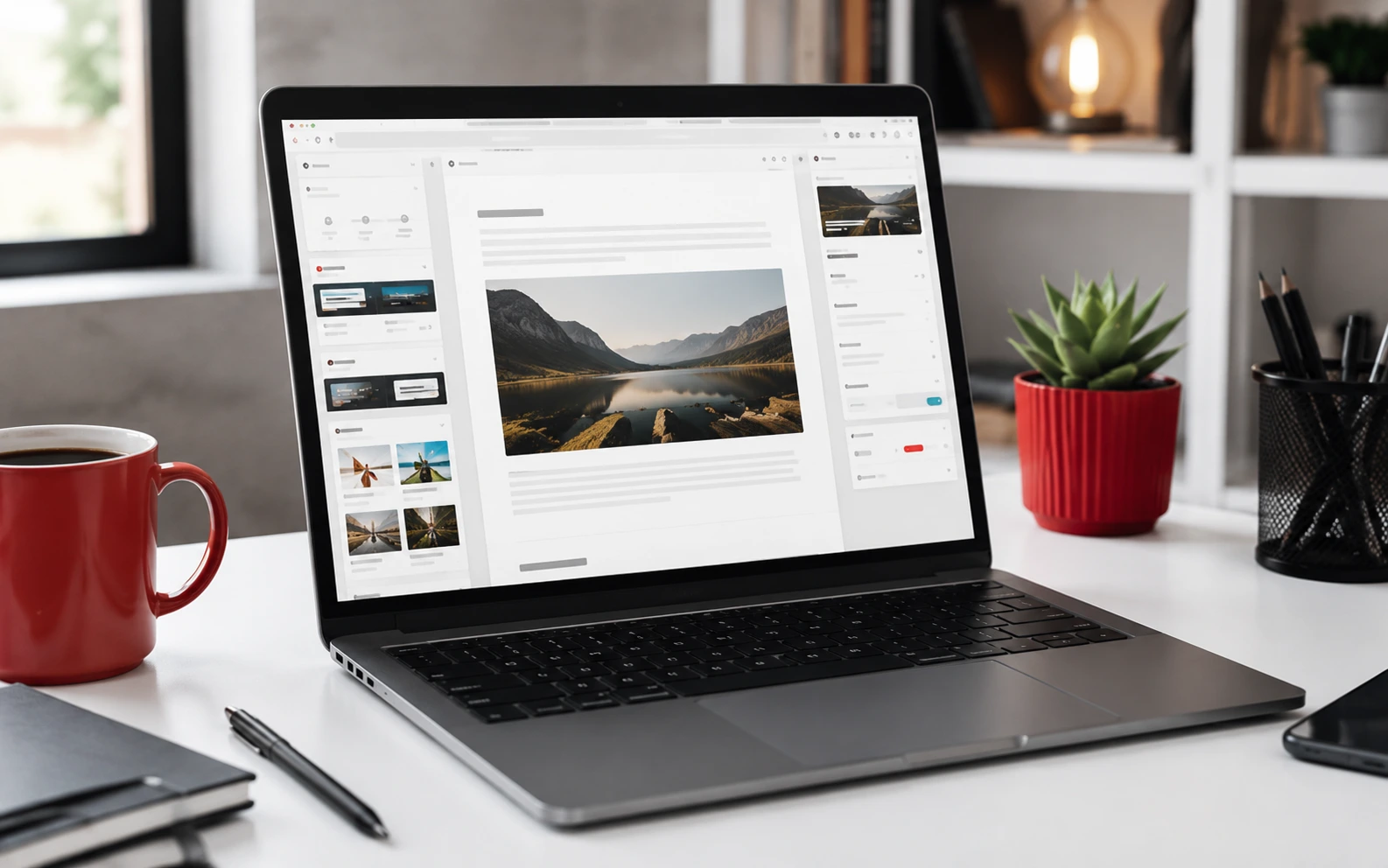
A WordPress website should not be treated as a once-off project. For many South African small businesses, the website is where customers check credibility, compare services, request quotes and decide whether to make contact.
Regular maintenance protects that visibility. It also reduces the risk of downtime, broken forms, slow pages and security problems that can quietly damage trust.
1. Update WordPress Core, Themes and Plugins
Check for updates at least once a week. WordPress core, themes and plugins often include security fixes, compatibility improvements and performance updates. Before updating, make sure you have a fresh backup.
2. Back Up the Website
Keep automated backups for both files and the database. Store backups away from the hosting account where possible, such as in cloud storage. A backup is only useful if it can be restored, so test the restore process occasionally.
3. Review Security Settings
Use strong admin passwords, remove unused administrator accounts and limit login attempts. If the site uses contact forms, make sure spam protection is active. Security should be simple, consistent and monitored.
4. Test Contact Forms and Calls to Action
A broken contact form can cost real enquiries. Submit a test message from the website and confirm that the email arrives. Also check quote buttons, WhatsApp links, phone numbers and booking links.
5. Check Website Speed
Slow websites lose visitors, especially on mobile connections. Compress images, remove unused plugins, use caching and choose reliable hosting. A fast WordPress site gives users a better experience and supports SEO.
6. Review Important Pages
Check the home page, services pages, about page, contact page and top blog posts. Look for outdated prices, old offers, broken images, incorrect contact details and weak internal links.
7. Monitor Search Visibility
Use Google Search Console to check indexing, search queries and technical warnings. If important pages are not indexed or impressions drop suddenly, investigate before the issue becomes a bigger traffic problem.
Monthly Maintenance Routine
- Run updates after backing up the site.
- Test contact forms and conversion buttons.
- Check page speed and image sizes.
- Review security logs or login attempts.
- Confirm that key pages are indexed.
- Refresh old content where needed.
A maintained WordPress website feels more professional, performs better and gives customers fewer reasons to leave. For small businesses, that consistency matters.
Continue exploring practical online growth advice in the Red Apple Connect blog and the SEO topic hub.
Practical WordPress SEO and maintenance steps
For a South African business website, WordPress should be managed as a long-term growth asset, not a once-off design project. Keep plugins updated, remove unused tools, compress images, check forms, review security settings and make sure each important service page links to relevant blog content. This helps visitors move deeper through the website and gives search engines a clearer understanding of the business topic.
Good WordPress publishing also depends on consistent structure. Use one clear H1, helpful H2 sections, descriptive image alt text, short paragraphs and internal links to relevant resources. For more focused guidance, browse the WordPress guides, the SEO articles and the full Red Apple Connect blog.
Before publishing, review the page on mobile, test loading speed and check that the article answers the reader intent clearly. A stronger WordPress article should explain the problem, show practical steps, include examples for local businesses and guide readers toward the next useful page on the site.
Practical WordPress SEO and maintenance steps
For a South African business website, WordPress should be managed as a long-term growth asset, not a once-off design project. Keep plugins updated, remove unused tools, compress images, check forms, review security settings and make sure each important service page links to relevant blog content. This helps visitors move deeper through the website and gives search engines a clearer understanding of the business topic.
Good WordPress publishing also depends on consistent structure. Use one clear H1, helpful H2 sections, descriptive image alt text, short paragraphs and internal links to relevant resources. For more focused guidance, browse the WordPress guides, the SEO articles and the full Red Apple Connect blog.
Before publishing, review the page on mobile, test loading speed and check that the article answers the reader intent clearly. A stronger WordPress article should explain the problem, show practical steps, include examples for local businesses and guide readers toward the next useful page on the site.
Practical WordPress SEO and maintenance steps
For a South African business website, WordPress should be managed as a long-term growth asset, not a once-off design project. Keep plugins updated, remove unused tools, compress images, check forms, review security settings and make sure each important service page links to relevant blog content. This helps visitors move deeper through the website and gives search engines a clearer understanding of the business topic.
Good WordPress publishing also depends on consistent structure. Use one clear H1, helpful H2 sections, descriptive image alt text, short paragraphs and internal links to relevant resources. For more focused guidance, browse the WordPress guides, the SEO articles and the full Red Apple Connect blog.
Before publishing, review the page on mobile, test loading speed and check that the article answers the reader intent clearly. A stronger WordPress article should explain the problem, show practical steps, include examples for local businesses and guide readers toward the next useful page on the site.
For official platform context, compare these recommendations with the WordPress documentation and then adapt the steps to your hosting setup, plugins and business goals.
Practical WordPress implementation checklist
Before treating this guidance as complete, review the site like a business asset. Check plugin updates, remove tools that are no longer needed, confirm backups, test forms, review page speed and make sure important pages link to helpful supporting articles. For South African businesses, reliable WordPress maintenance protects enquiries, rankings and customer trust.
A stronger WordPress article should also include clear next steps. Add screenshots where useful, explain why each task matters and connect technical work to outcomes like faster loading, safer logins, better search visibility and easier content publishing.