
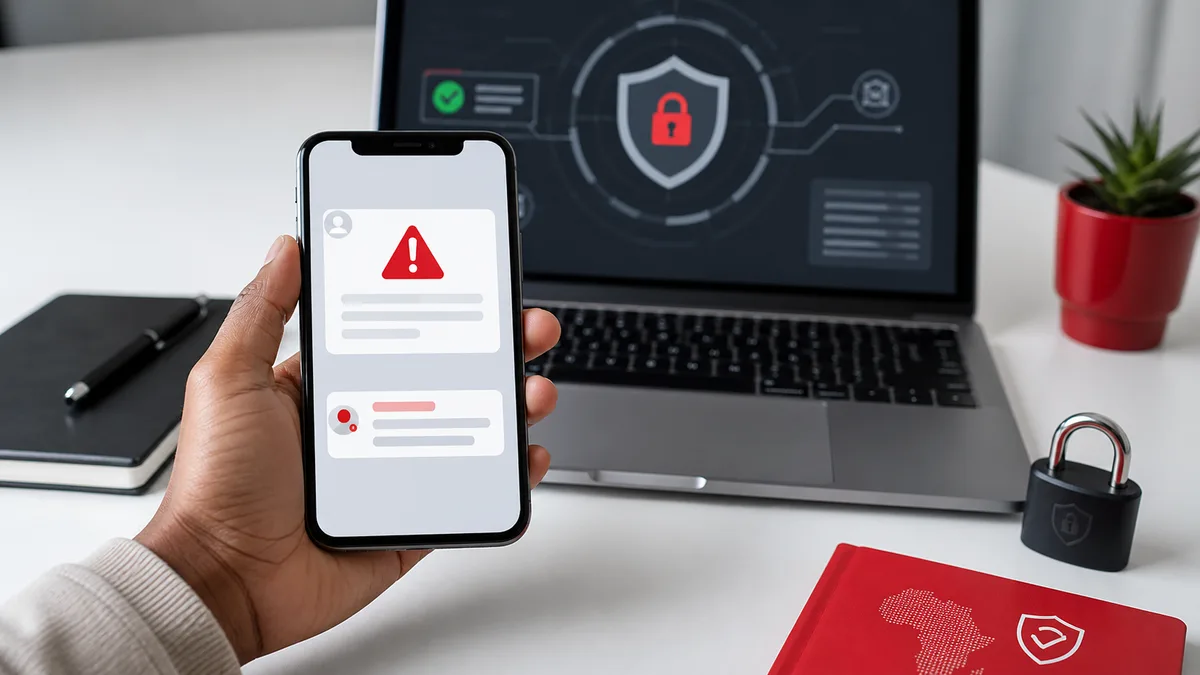
Trending news creates a clicking rush. When people search for live updates, celebrity stories, public hearings, sport results or government changes, scammers use the same attention to spread fake links through WhatsApp, SMS, Facebook and email.
South Africans are especially exposed because many people use mobile-first sharing. A link forwarded by a friend can feel trustworthy even when the original source is unknown. This guide gives you a simple checklist for spotting scam links before they steal your personal information, banking details or social media accounts.
Key Takeaways
- Scam links often copy breaking news, government services, banking alerts and giveaways.
- FNB warns that phishing can lure users to fake websites that request confidential information.
- ESET reported that phishing made up 45.7% of detected cyber threats in South Africa during H2 2025.
- Do not trust a link only because it came from someone you know.
- Check the domain before entering any details.
- Never share passwords, PINs, card details or OTPs through links.
- If you clicked a suspicious link, act quickly: disconnect, change passwords and contact your bank if needed.
Why Do Scam Links Spread During Trending News?
Scam links spread during trending news because urgency lowers caution. People want updates now, so they click faster than usual. Scammers copy headlines, government announcements, public hearings, grants, jobs, tickets, prizes and banking alerts because those topics already have public attention.
A scammer does not need to convince everyone. They only need a small percentage of people to click, enter details or install something. That is why the same fake link may be sent to thousands of WhatsApp groups at once.
The link may promise:
- "Live stream here"
- "See full leaked video"
- "Check if your licence is affected"
- "Claim your government refund"
- "Your bank account is blocked"
- "Free data for South Africans"
- "Confirm your details before deadline"
The topic changes. The pattern is the same: urgency, curiosity and a link.
What Does a Scam Link Look Like?
A scam link often looks almost right. It may use a logo, similar colours, official-sounding wording or a copied page layout. The easiest clue is usually the domain name.
Check for these warning signs:
| Warning Sign | Example Pattern |
|---|---|
| Strange domain | gov-za-renewal.example.com instead of a real government domain |
| Shortened link | Random bit.ly or unknown short links with no context |
| Urgent wording | "Act now or your account will be closed" |
| Payment request | Admin fee, release fee, courier fee or verification fee |
| Login request | Asking for banking, email or social media login details |
| OTP request | Asking for a one-time PIN to reverse or confirm anything |
| Poor language | Odd spelling, mixed branding or copied text |
Not every short link is harmful, but unknown short links in urgent messages deserve extra caution.
How to Check a Link Before Clicking
Use a 30-second link check. It is fast enough for everyday use and strong enough to catch many common scams.
- Pause first. Scams rely on immediate action.
- Check the sender. Did you expect this link from this person or company?
- Long-press on mobile. Preview the URL before opening it.
- Read the domain from right to left. The real domain is usually just before
.co.za,.com,.orgor.gov.za. - Search separately. Type the organisation name into your browser instead of clicking the link.
- Check official channels. Compare with the bank, government, broadcaster or company website.
- Avoid forms asking for sensitive details. Close the page if it asks for passwords, card numbers or OTPs.
This routine is especially important on WhatsApp because forwarded messages can lose their original source.
Banking and OTP Scams: The Biggest Red Flag
FNB's security guidance repeatedly warns that banks will not ask customers to disclose sensitive information through email, SMS, telephone or links. That includes login details, passwords, card information, PINs and OTPs.
Treat any OTP request as high risk. Scammers may already have your username or card details. They then trick you into giving the final one-time PIN that authorises a transaction or profile change. If a link asks for an OTP, close it and contact your bank through the official app or number.
Also watch for fake payment confirmations. If you sell items online, do not release goods because of a screenshot or emailed proof of payment. Confirm that money has cleared in your account.
How to Handle Government and Public-Service Links
Government-related scams work because people fear missing deadlines. Driving licence renewals, grant payments, tax refunds, tenders, immigration stories and public hearings can all be used as bait.
Use these rules:
- Start from official
gov.zapages where possible. - Do not pay "processing fees" through unknown links.
- Avoid agents who promise guaranteed government outcomes.
- Check whether the page uses the correct department name.
- Be careful with forms asking for ID numbers and banking details.
- Confirm changes through official statements, not screenshots.
If a government change is real, it will appear on official websites and credible news outlets. You do not need a secret WhatsApp link to access it.
What to Do If You Clicked a Scam Link
Act quickly, but do not panic. What you do next depends on whether you only opened the link, entered details, downloaded a file or shared banking information.
If you only opened the link:
- Close the tab.
- Clear browser history if needed.
- Do not enter any details.
- Warn the person who sent it.
If you entered passwords:
- Change the password immediately from the official site or app.
- Enable two-factor authentication.
- Log out of other sessions.
- Check recovery email and phone number settings.
If you entered banking details or an OTP:
- Contact your bank immediately through the official app or phone number.
- Freeze or block affected cards if advised.
- Check recent transactions.
- Report the message to the platform and bank fraud channel.
If you downloaded a file:
- Disconnect from the internet.
- Run a trusted antivirus scan.
- Avoid opening banking apps until the device is checked.
- Get technical help if the device behaves strangely.
How Businesses Can Protect Staff and Customers
Small businesses should treat scam links as a real operational risk. One staff member clicking a fake email can expose inboxes, invoices, client records or social media pages.
Practical steps:
- Train staff not to approve payments from email changes alone.
- Use two-person approval for new banking details.
- Confirm supplier bank changes by phone using a known number.
- Use password managers for stronger unique passwords.
- Enable two-factor authentication on email, social media and website admin accounts.
- Tell customers which official channels your business uses.
- Add a scam warning to high-risk pages such as payment, booking and support pages.
For website owners, add a simple note on contact and payment pages: "We will never ask for your password, card PIN or banking OTP." That one sentence can prevent confusion.
Frequently Asked Questions
1. What is a scam link?
A scam link is a URL designed to trick you into giving away information, downloading malware or making a payment. It may look like a bank, government service, news article, giveaway or delivery notice.
2. Are WhatsApp forwarded links safe?
Not automatically. A WhatsApp link can come from someone you trust but still be unsafe if they forwarded it without checking. Always inspect the domain and verify the information from official sources.
3. What details should I never enter after clicking a link?
Never enter passwords, banking login details, card numbers, PINs, OTPs, ID numbers or recovery codes on a page opened from an unknown or unsolicited link.
4. How do scammers use breaking news?
They copy trending topics and promise fast access to live streams, leaked videos, refunds, applications or urgent updates. The aim is to make you click before you think.
5. What should I do if I entered my banking details?
Contact your bank immediately through the official app or number, block affected cards if advised, check transactions and report the scam message. Do not use the contact details shown on the suspicious page.
6. How can small businesses reduce phishing risk?
Use staff training, two-factor authentication, password managers, payment approval rules and clear customer communication. Confirm bank-detail changes through a trusted phone number before paying.
Conclusion
Scam links work because they feel urgent. They use news, fear, curiosity and trust to push people into quick clicks. The safest response is a repeatable habit: pause, check the sender, inspect the domain and verify from official sources.
For South Africans, this is not only a personal safety issue. It affects businesses, customers, schools, churches and community groups. Before sharing the next trending link, take 30 seconds to check it. That small pause can prevent a costly mistake.